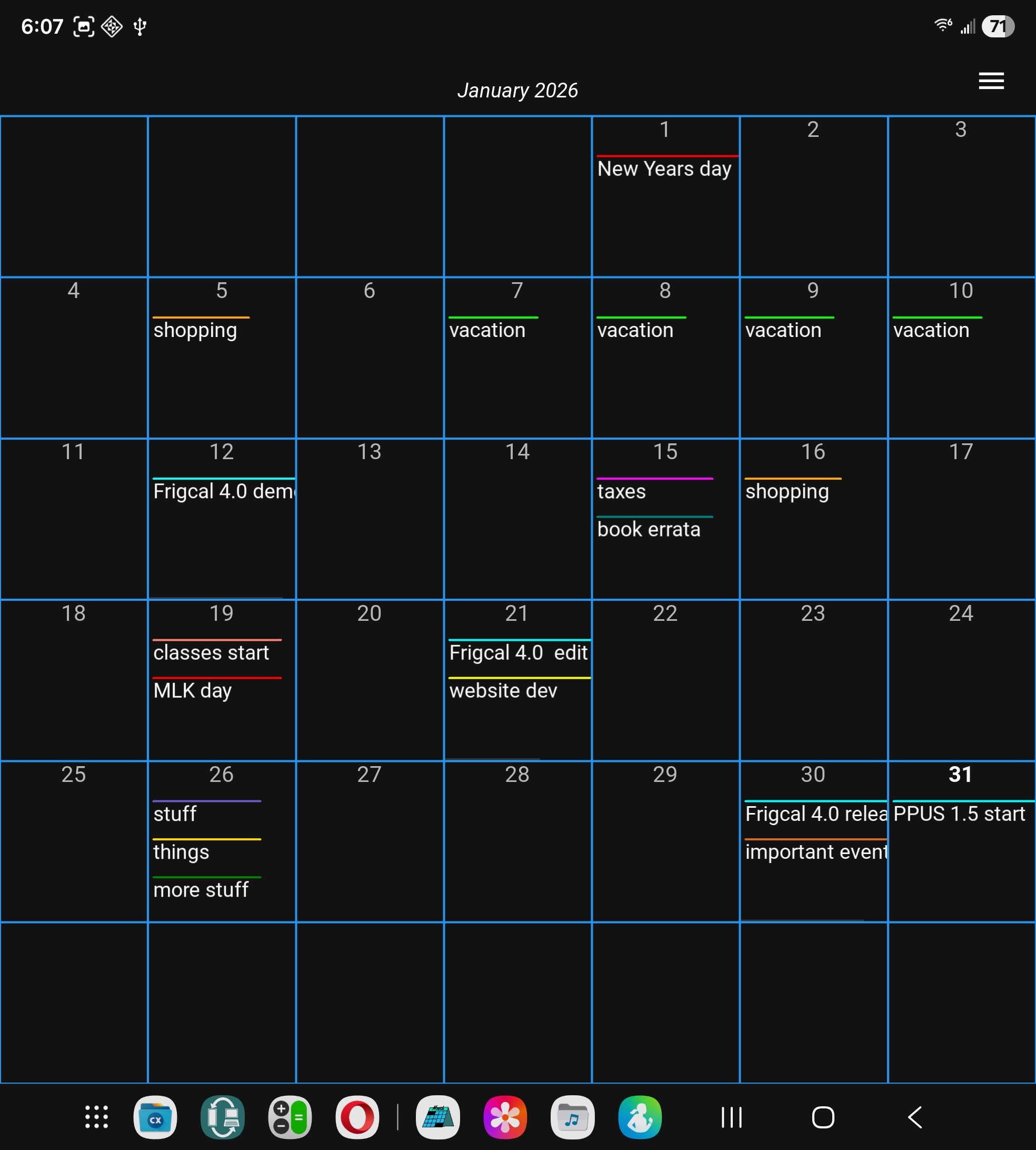
Welcome to Frigcal: calendars made simple, portable, and private.
Frigcal is a free app that can be used as a basic calendar or
date-based journal on both Android
phones
and
tablets and
Windows,
macOS,
and
Linux
PCs. Tap the buttons below for a quick intro.
Simple calendar and journal UI
Uses portable and private ICS files
Runs on both phones and PCs
Free and ad-free on all platforms
Automatic backup on calendar mods
In-app and online help resources
Configurable form and function
Open-source code for transparency
This app comes with three qualities that set it apart from some other
calendar programs:
Simplicity
Frigcal mimics a calendar hung on a refrigerator. It's designed for people who don't
need all the bells and whistles of full-blown calendar apps and simply want to write
notes and reminders on individual days.
Portability
Frigcal runs on both Android and PCs and records your calendars in a format that can be
easily shared with other programs and devices. Both the app itself and the calendars
it makes can be used on all your gadgets.
Privacy
Frigcal never requires an account login, never silently syncs your calendars anywhere,
and never harvests information of any kind. Your calendars remain your personal property,
not an app's covert revenue stream.
In short, Frigcal is a calendar and journal that doesn't have feature bloat, isn't
limited to your phone or PC, and won't spy on you. In exchange for advanced tools that
are overkill for many of us, you get an app that's both easy to use and ethically sound.
In practical terms, this app:
Stores your events in portable ICS calendar files (extension .ics) that follow the
iCalendar standard and may be freely shared with other devices and programs. Your
calendar files are stored in a folder of your choosing, where they may be copied,
synced, and backed up however you wish.
Is provided as full, free, and ad-free programs for both Android and PCs. It runs on
Androids 8 through 16 and is expected to run on later Androids. It also works on all
recent versions of Windows, macOS, and Linux, including WSL2. Click or tap
here to
fetch the app's Android and PC versions.
Does not advertise or collect information in any fashion, has access only to the single
calendar folder you select, and changes your calendar files only on your request and
only after making backups for manual rollbacks. See also this app's full privacy
policy.
To use this app, you'll perform touch gestures, interact with its main menu and
dialogs, and use normal file operations to manage your calendars. To learn how,
read the quick start that's available in both the app's Help screen
and this website's usage overview.
All versions of this app are full, free, and ad-free. Use the links below to
get its Android version at the Play store or this website, and get its Windows,
macOS, and Linux versions at this website. Also below, you can view the app's
demos, browse its docs, vet its open-source code, and more.

![[image]](Frigcal1024.png)